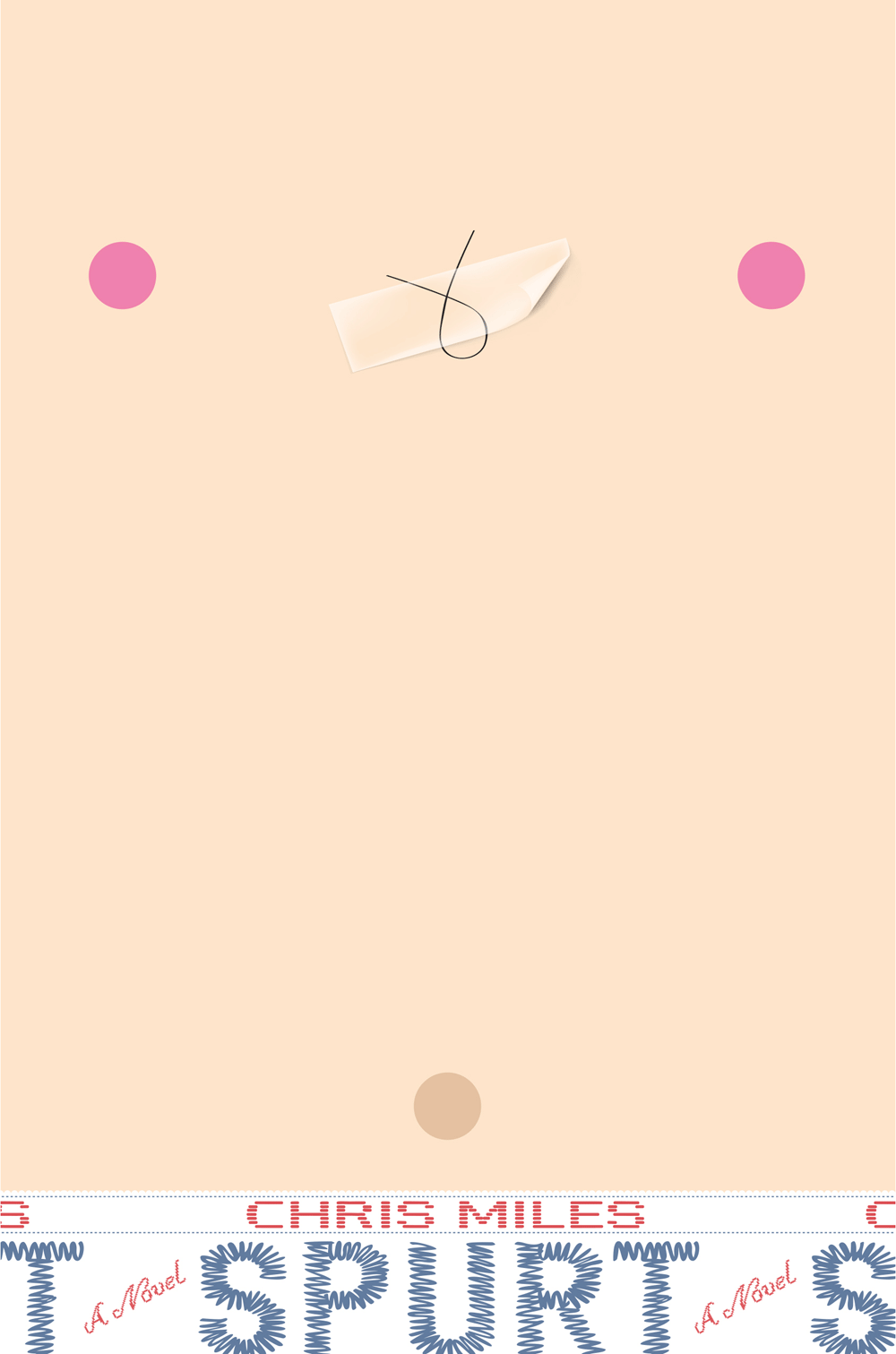
A novel about faking it till you make it — and what it means to be a man
-
“Funny, heartfelt, and likely to appeal to reluctant readers, especially boys on the cusp of puberty” School Library Journal
-
“Plucky Jack is a likable and empathetic character… (Spurt) will appeal to the many boys who, like Jack, are puberty challenged ” Booklist
-
“A refreshing take on body image, acceptance and the need to fit in. The novel’s moments of profundity are subtle yet powerful, and masterfully balanced with humour. Spurt is appealingly naughty.” ★★★★ Books+Publishing

Buy Spurt at:
-
 Amazon
(US)
Amazon
(US)
-
 Barnes & Noble
(US)
Barnes & Noble
(US)
-
 Books A Million
(US)
Books A Million
(US)
-
 IndieBound
(US)
IndieBound
(US)
-
 Walmart
(US)
Walmart
(US)
-
 Readings
(Aus.)
Readings
(Aus.)
-
 Booktopia
(Aus.)
Booktopia
(Aus.)
-
 Dymocks
(Aus.)
Dymocks
(Aus.)
-
 Amazon Kindle Store
(Aus.)
Amazon Kindle Store
(Aus.)
-
Barnes & Noble
(NOOK book)
(Aus.)
-
 eBooks.com
(Aus.)
eBooks.com
(Aus.)
-
 iBooks
(Aus.)
iBooks
(Aus.)
-
 NOOK.com
(Aus.)
NOOK.com
(Aus.)
-
 Google Play
(Aus.)
Google Play
(Aus.)
-
 Kobo
(Aus.)
Kobo
(Aus.)
-
 Published in the United States by
Simon & Schuster
Published in the United States by
Simon & Schuster
-
 Published in Australia by
Hardie Grant Egmont
Published in Australia by
Hardie Grant Egmont
-
 Published in Hungary by
Manó Könyvek
Published in Hungary by
Manó Könyvek
Latest news
RSS feedChris has a piece in the Funny Bones anthology edited by Kate Temple, Jol Temple and Oliver Phommavanh, alongside many of Australia's best-known children’s authors and comedians. All royalties go to War Child Australia, a volunteer organisation providing aid to young victims of war.
Chris spoke to the Wall Street Journal for a feature on books that ‘talk to teen boys about their lives’
Spurt has hit the shelves in the United States! Available in all good bookshops or via the retailer links at the Simon & Schuster website
Chris will be talking ‘tropes in YA fiction’ along with Lili Wilkinson, Andrew McDonald, Nicole Hayes, Shivaun Plozza and Michael Earp in a light-hearted debate next week for #LoveOzYA
Chris is a guest lecturer at this year’s ‘Getting Published as a Writer for Children’ course at the Faber Writing Academy, alongside picture book illustrator Ann James and Allen & Unwin commissioning editor Susannah Chambers
Entertainment Weekly has an exclusive cover reveal for the US edition of Spurt!
Chris is appearing at the Melbourne Writers Festival on 29 August, speaking with Emily Maguire in a session on masculinity in the 21st century.
Spurt gets a shout out on the Readings blog in this great guide to finding books for ‘tween readers on their way to becoming teens
Simon & Schuster have purchased the rights to publish Spurt in the United States, with publication expected in early 2017
Spurt is out now in Hungary through Manó Könyvek
Andrew McDonald has some nice things to say about Spurt in his wrap-up of our panel session on humour in kids books held at Readings Hawthorn recently
Spurt is included alongside many great books and excellent author people on this list of recommended YA fiction set in an Australian high school
Chris faces ‘12 Curly Questions’ over at Kids’ Book Review
About the author



Chris Miles is the author of several books for children, including two books in the best-selling Zac Power series, and the Children’s Book Council of Australia Notable Books Who’s on the Money? and Stuck on History.
Spurt is his first novel for teen readers.
He is a dog person*.
* Not literally